Skip to the content
UKAU
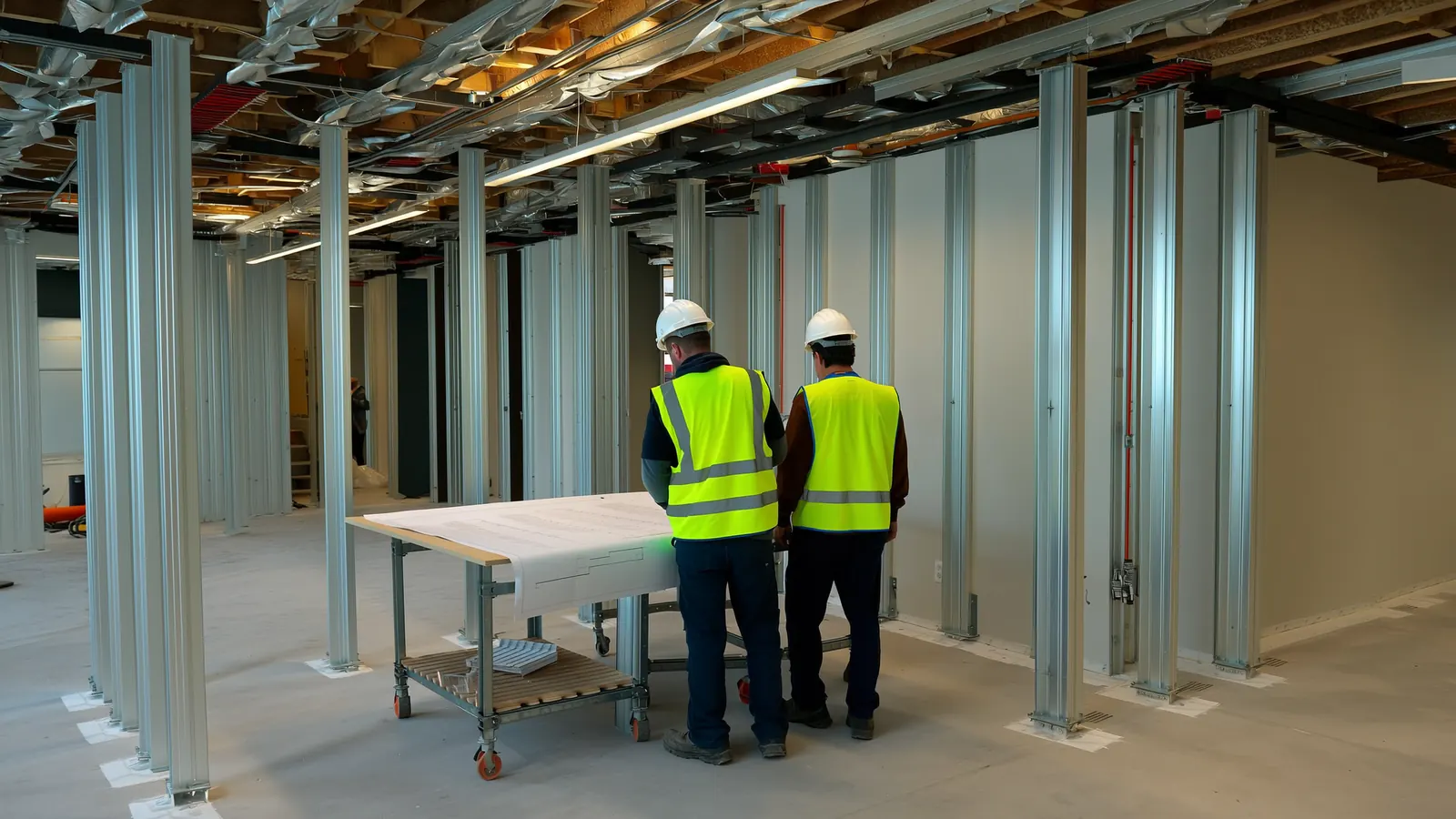
A time-lapse of an office floor being fitted out: partitions going up, the ceiling fitted and the lights coming on
Illustration
For commercial and fit-out contractors

Run every job from quote to servicing, in one place.

The tender, the programme, the site records, the valuations and the building’s upkeep together, so the office and the site work from the same numbers.

Construction Act, VAT and compliance built in Unlimited users on every plan
See it working

The same job, from the tender to the service desk.

Real screens from Pinnqle. What is priced is what is ordered, built, valued and maintained.

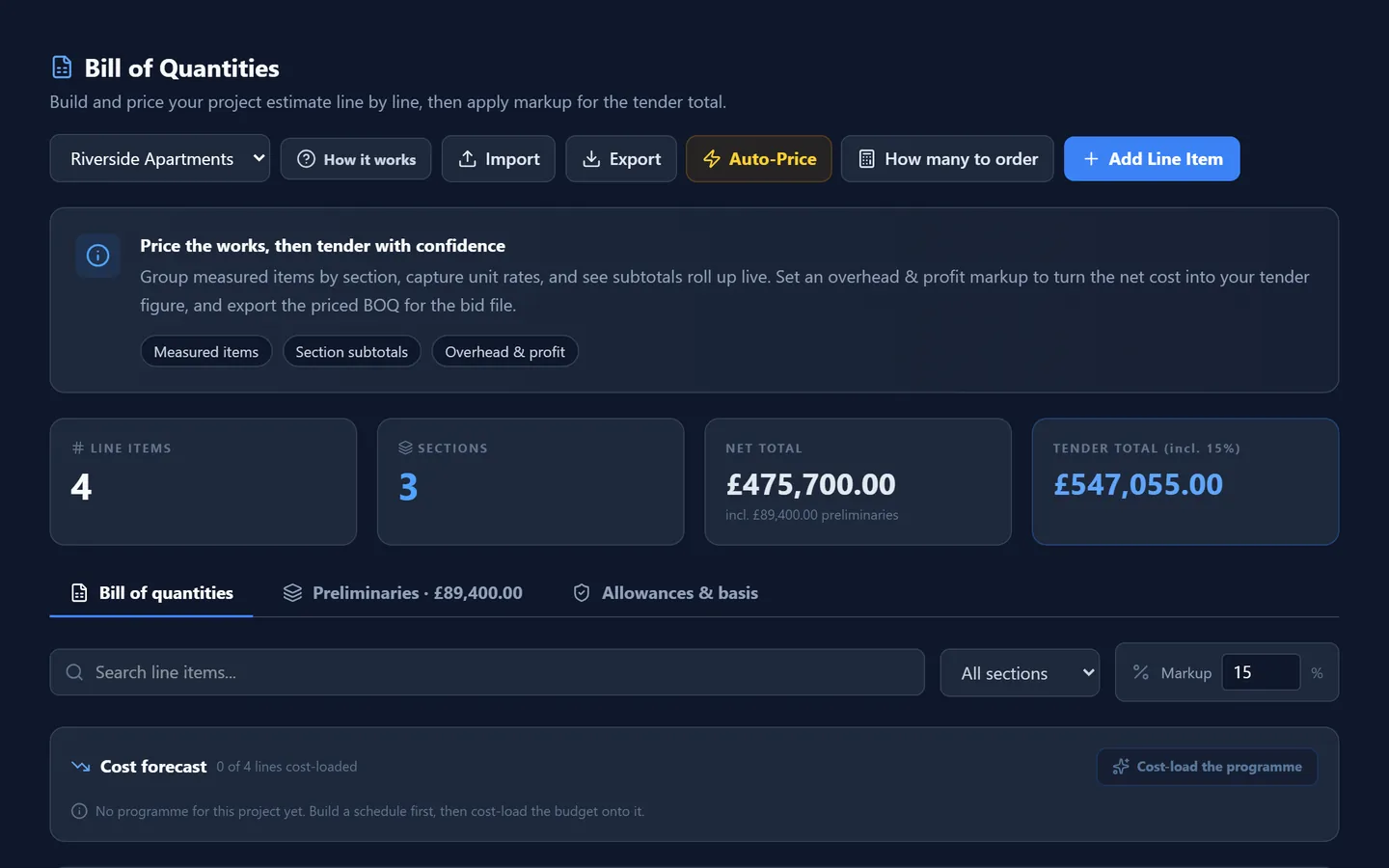
Pinnqle  /  Estimating (BOQ)
A bill of quantities priced by section

Win: the bill of quantities, priced by section from your own rates, with preliminaries, overheads and profit.

How it works

Four stages. One record of the job.

Nothing is typed in twice. Each stage picks up where the last one finished.

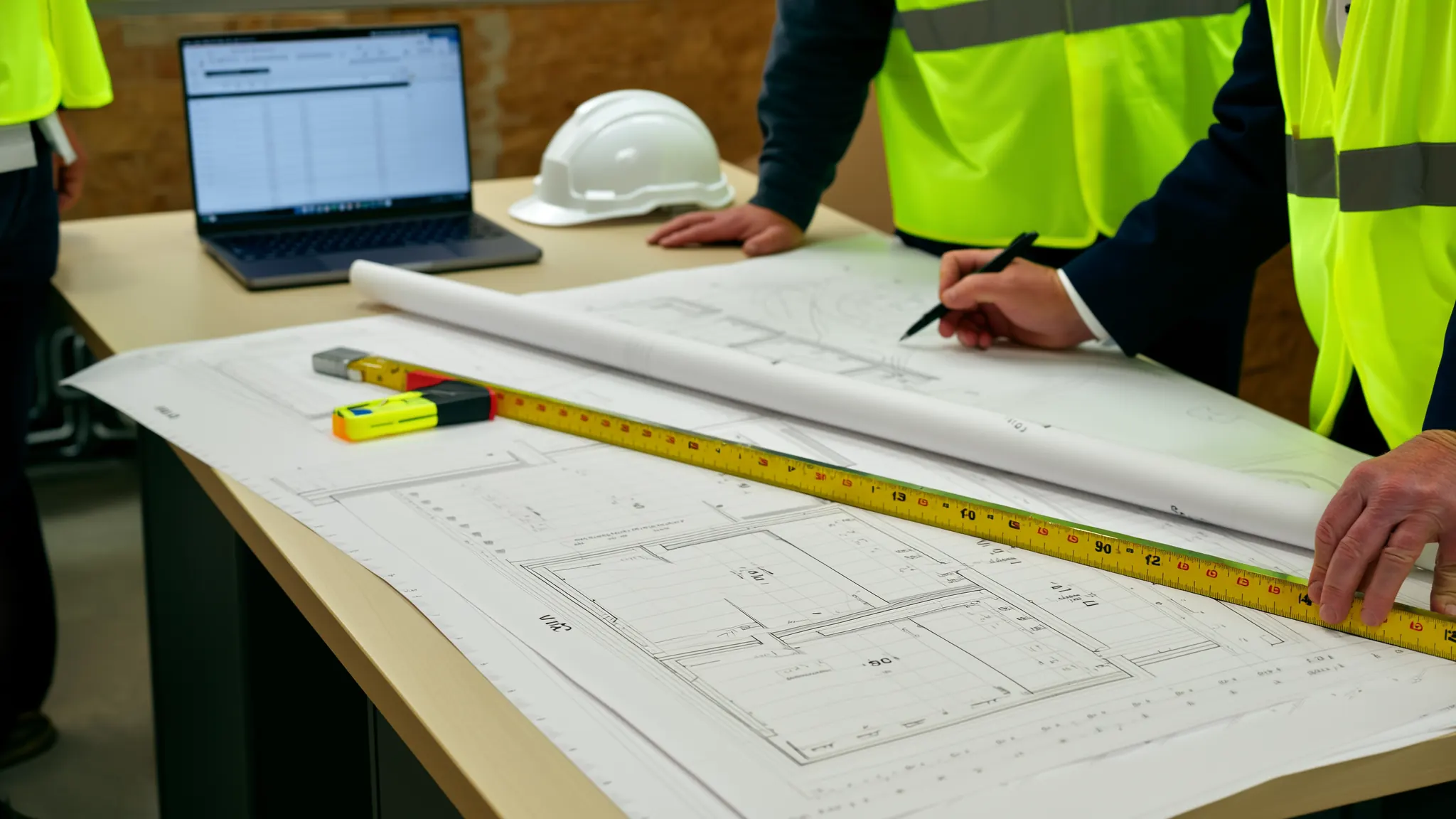
An estimator marking up printed floor plans at a desk
Stage 01Win

Find the work and price it properly

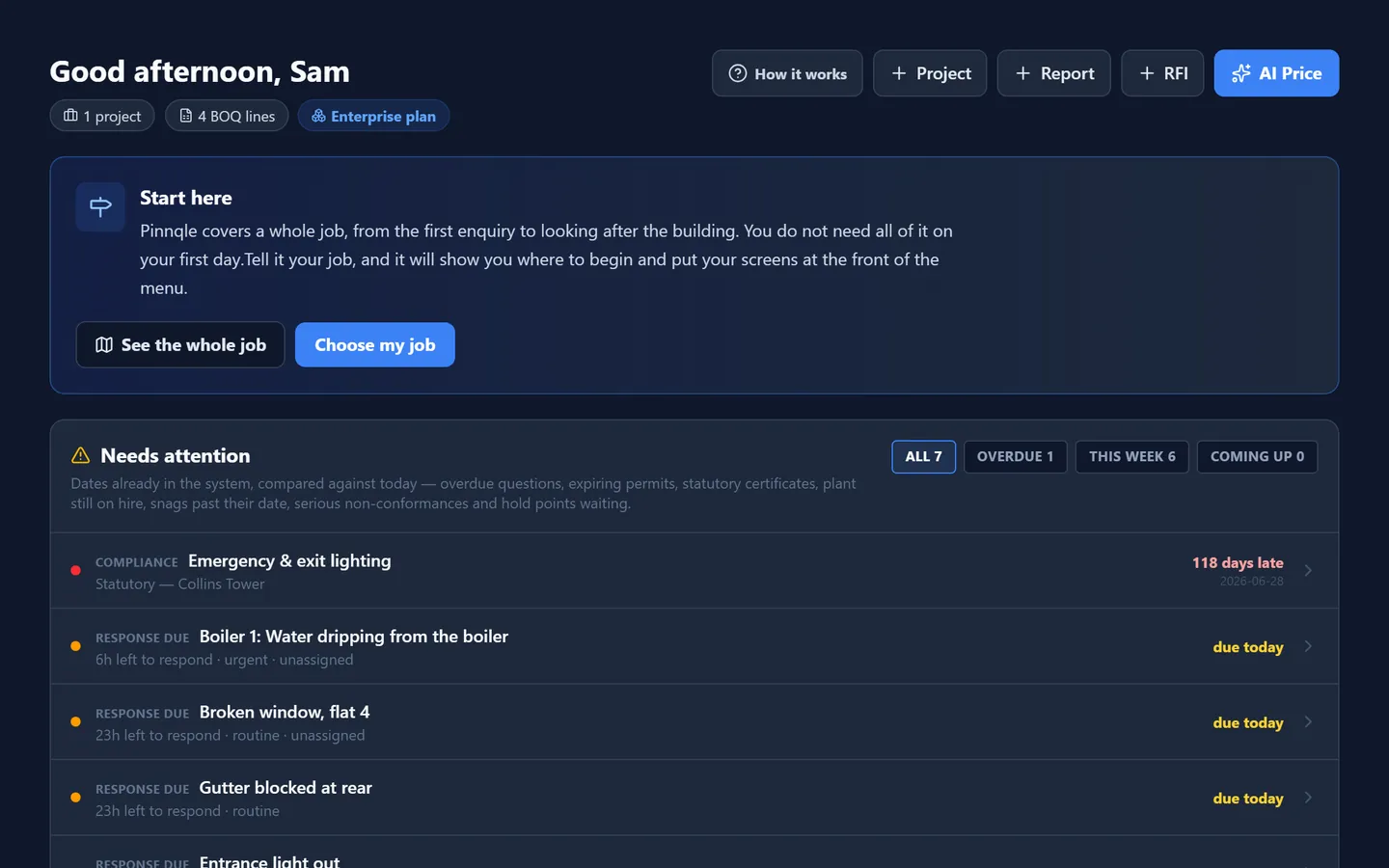
  • Every enquiry and tender on one sales pipeline, with the client and the drawings
  • Measure lengths, areas and counts straight off the PDF drawings, and send them to the bill
  • Price the bill from your own rates and assemblies, with prelims, overheads and profit
AI drafts a first price from a description or a photo, counts symbols on scanned drawings, and suggests rates for you to check.
More on Win
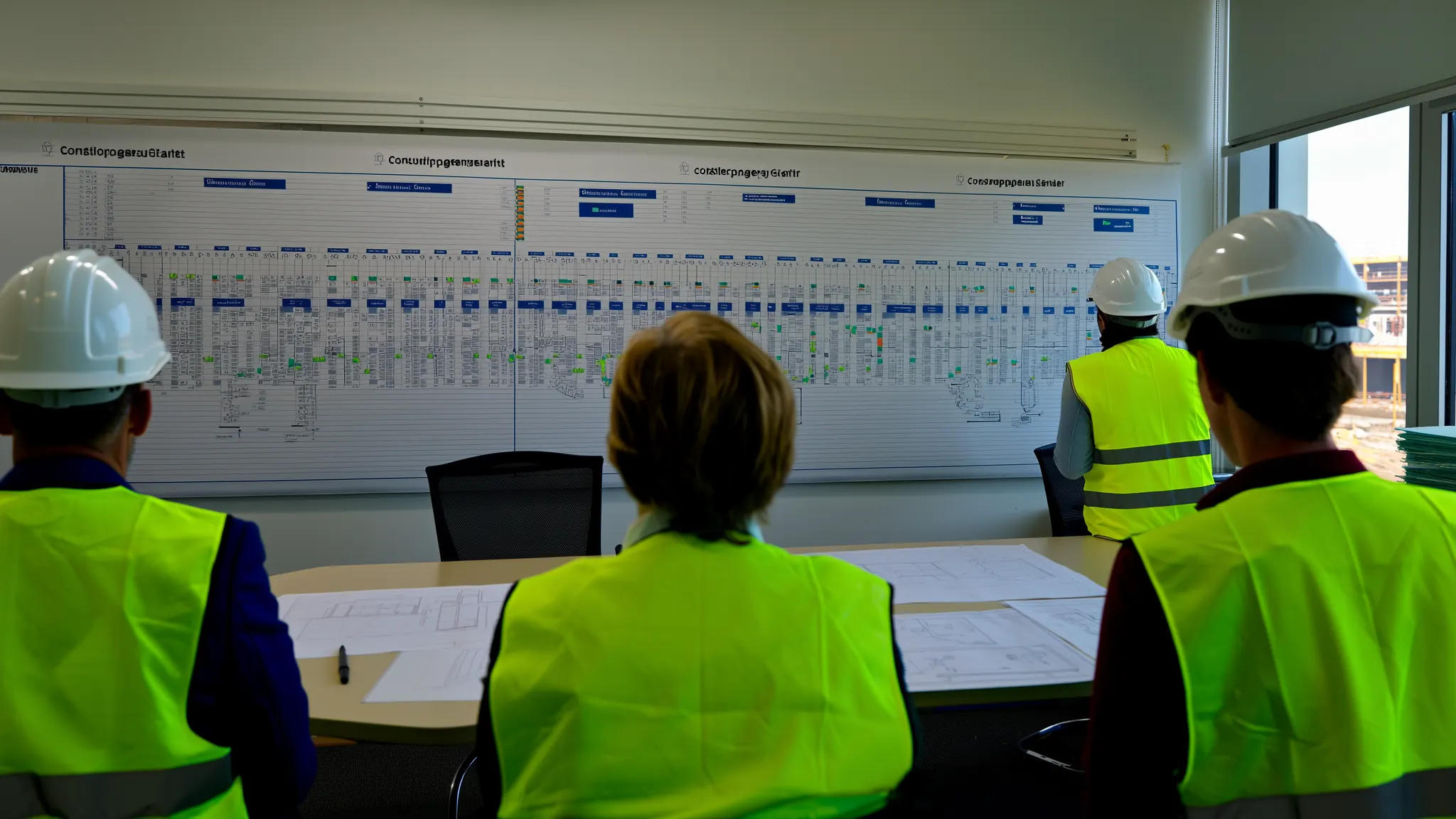
A planning meeting in a site office, the programme pinned along the wall
Stage 02Plan

Set the job up before anyone is on site

  • The contract checked against the tender, and estimating’s handover to the project team
  • One drawing register that answers which revision to build from
  • RFIs and submittals sent to the right person on the design team, with a date to answer by
Ask a Project Agent to compare subcontractors’ quotes, and the AI Legal Assistant to point out the clauses in a contract worth a second look.
More on Plan
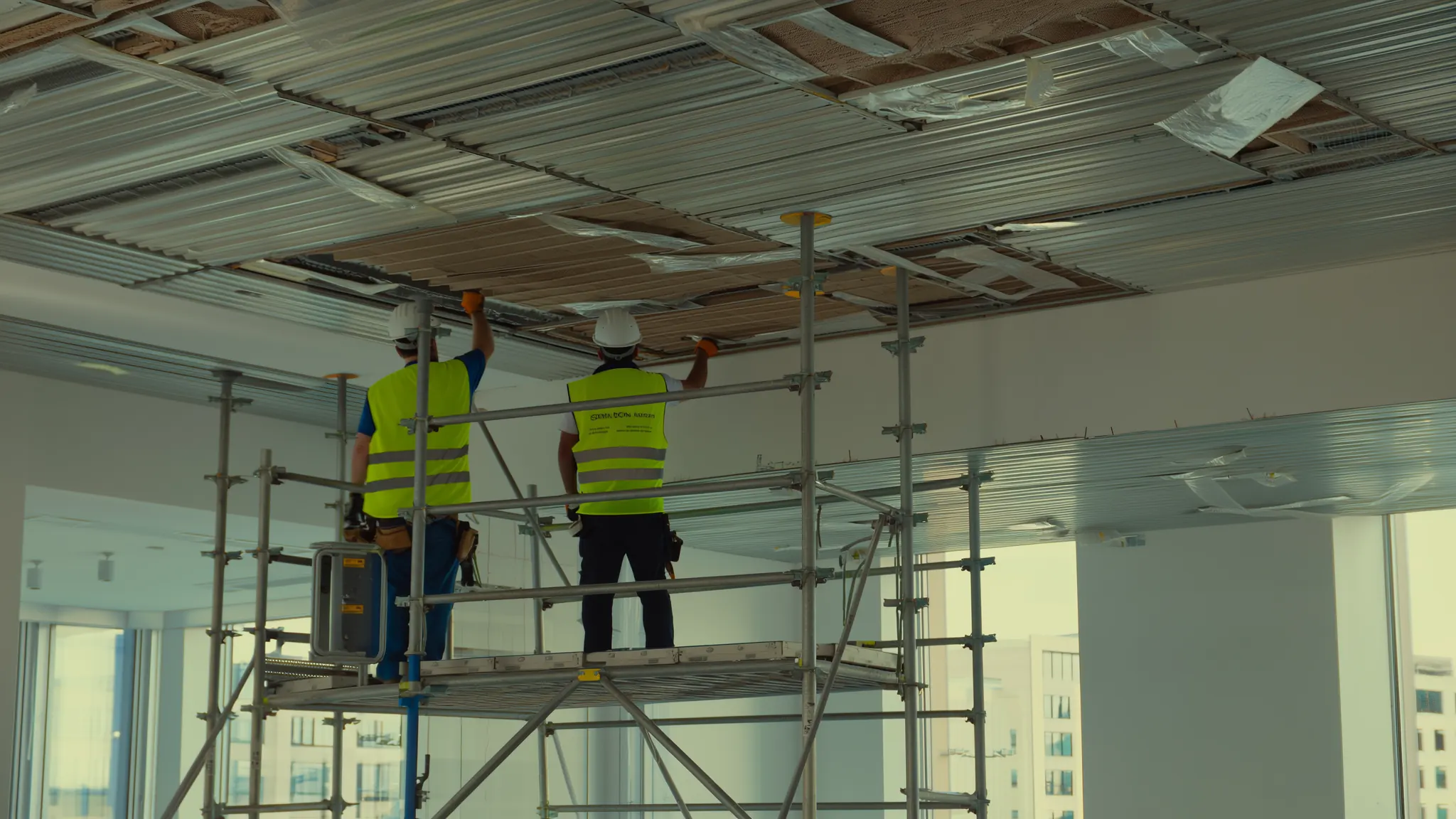
Workers on a scaffold tower fixing a suspended ceiling grid in an office fit-out
Stage 03Build

Run the site and keep the money straight

  • Sign-in at the gate by QR code, permits and deliveries, from the site manager’s phone
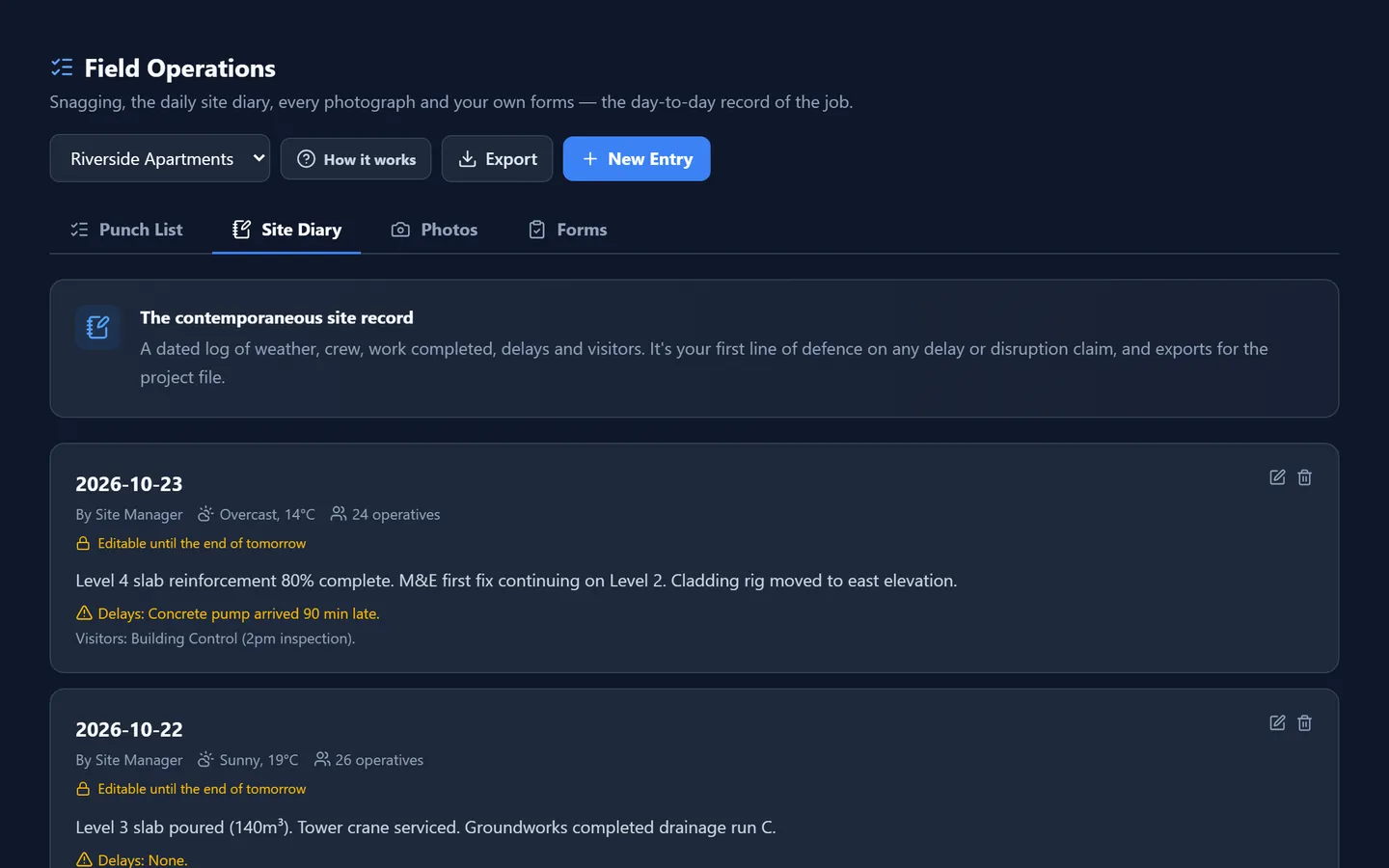
  • Site diaries, toolbox talks, inspections and the punch list, with photos
  • Every variation recorded and valued, and every delay noticed in time
Project Agents check bills, quotes and tenders, AI reads supplier invoices into the order, and the AI Site Manager answers questions from your records.
More on Build
An engineer servicing an air handling unit on a rooftop plant area
Stage 04Maintain

Look after the building once it is handed over

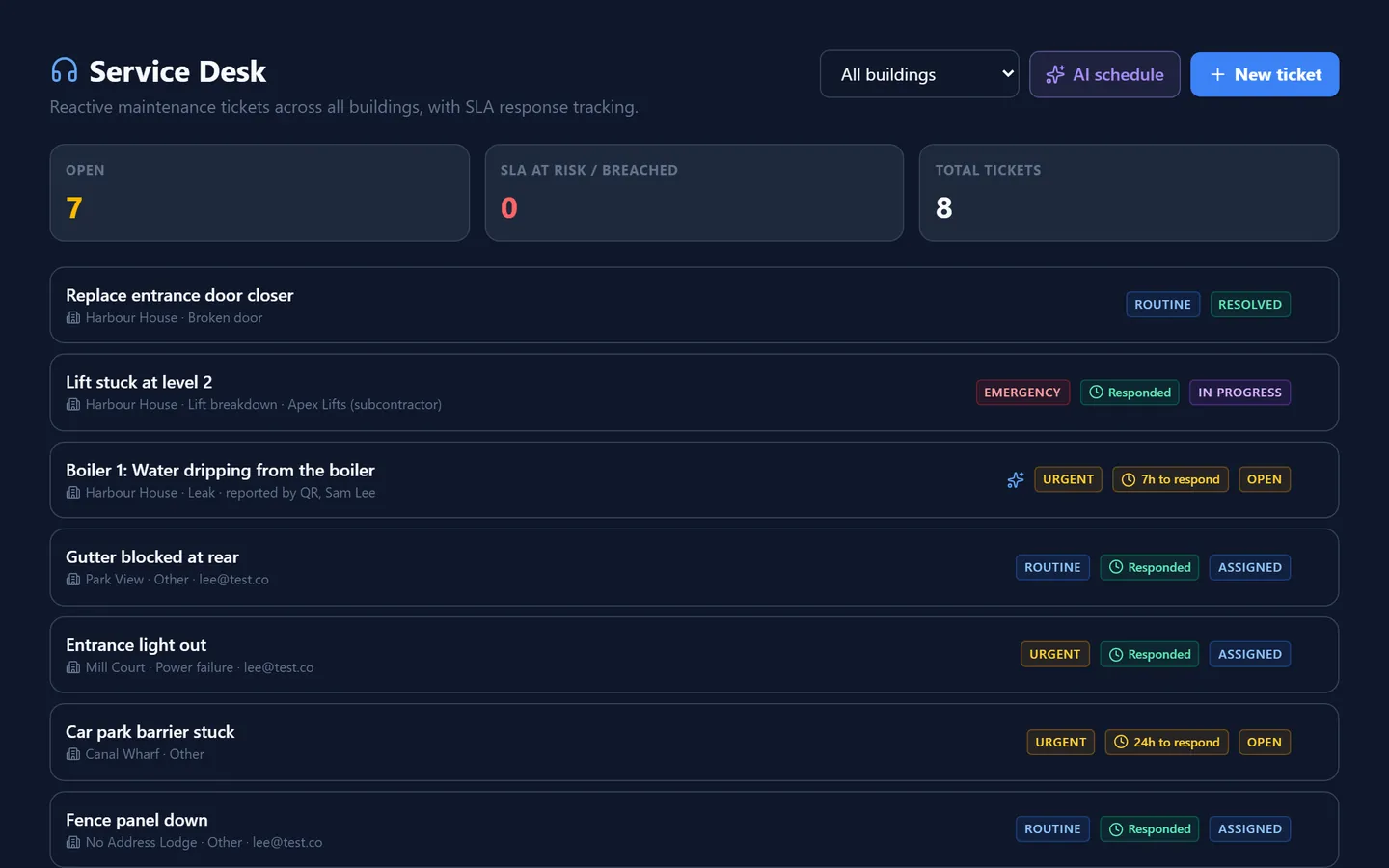
  • Link a building to the job that built it, and its history comes into the defects period with it
  • Every piece of equipment on one register, with its next service worked out from its interval
  • Statutory inspections on their own clocks: fire risk assessments, gas safety, electrical condition reports, legionella and lift inspections
AI reads the photo on a fault and the certificates you attach, warns which equipment is likely to fail, and drafts the client’s monthly summary from the figures.
More on Maintain
One job, start to finish

An office fit-out, from the enquiry to the first service.

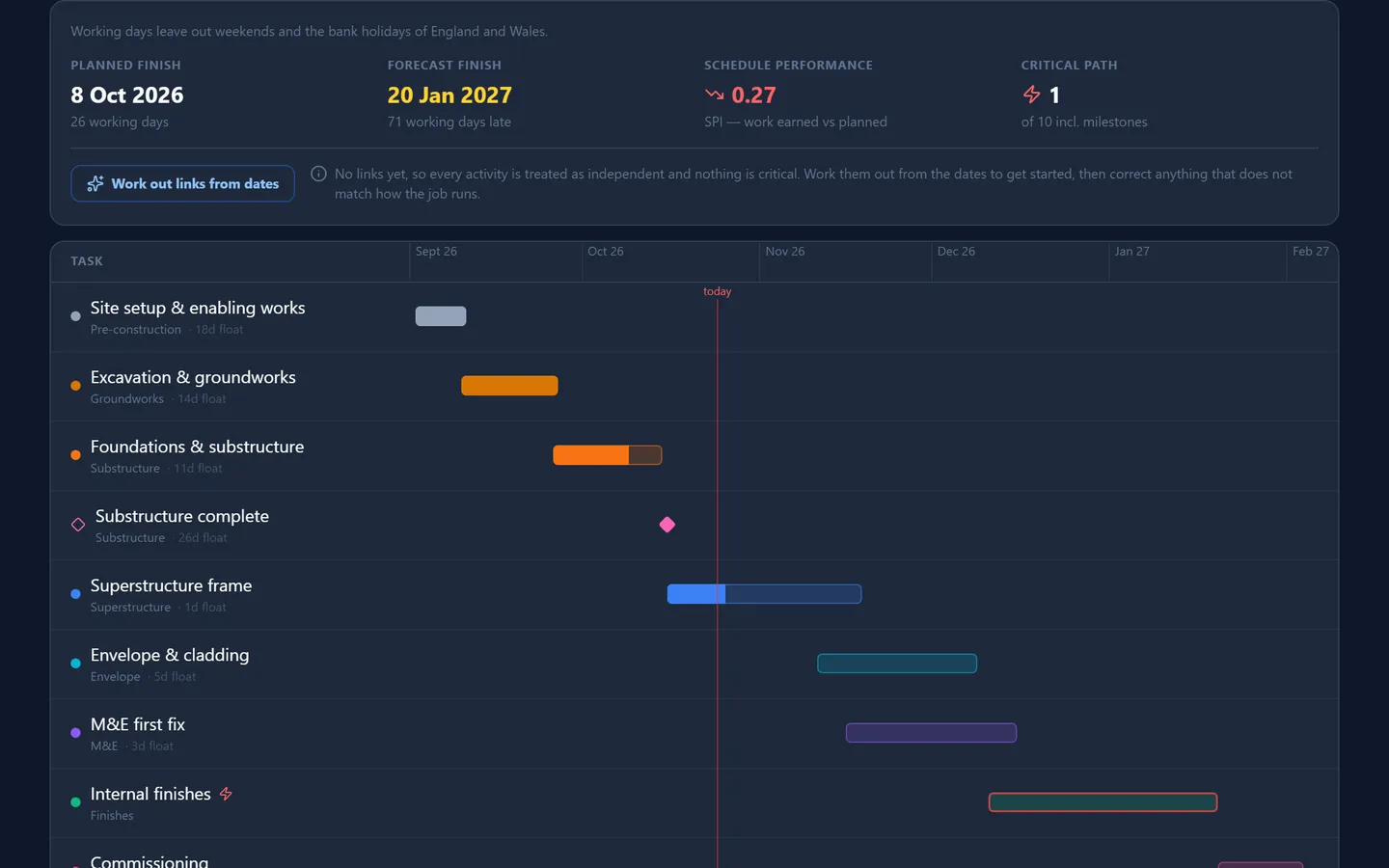
Drawn the way you would draw it: as a programme. Every bar is work done in Pinnqle, on one record.

Activity
Wk 0Wk 8Wk 16Wk 24Wk 32Wk 40
WinEnquiry

The enquiry goes on the pipeline with the client, the drawings and the date the tender is due.

WinMeasure and price

The drawings are measured on screen, the quantities go to the bill, and the trades price their packages.

WinTender

Prelims, overheads and profit go on, the rate per square metre is checked, and the tender goes out.

PlanWon: set up the job

The project is set up, the contract is checked against the tender, and estimating hands over what it knows.

PlanProgramme and orders

The programme is built, packages are let and the first materials are ordered.

BuildOn site

Gate sign-in, the daily diary, toolbox talks, inspections and RFIs, recorded on site from a phone.

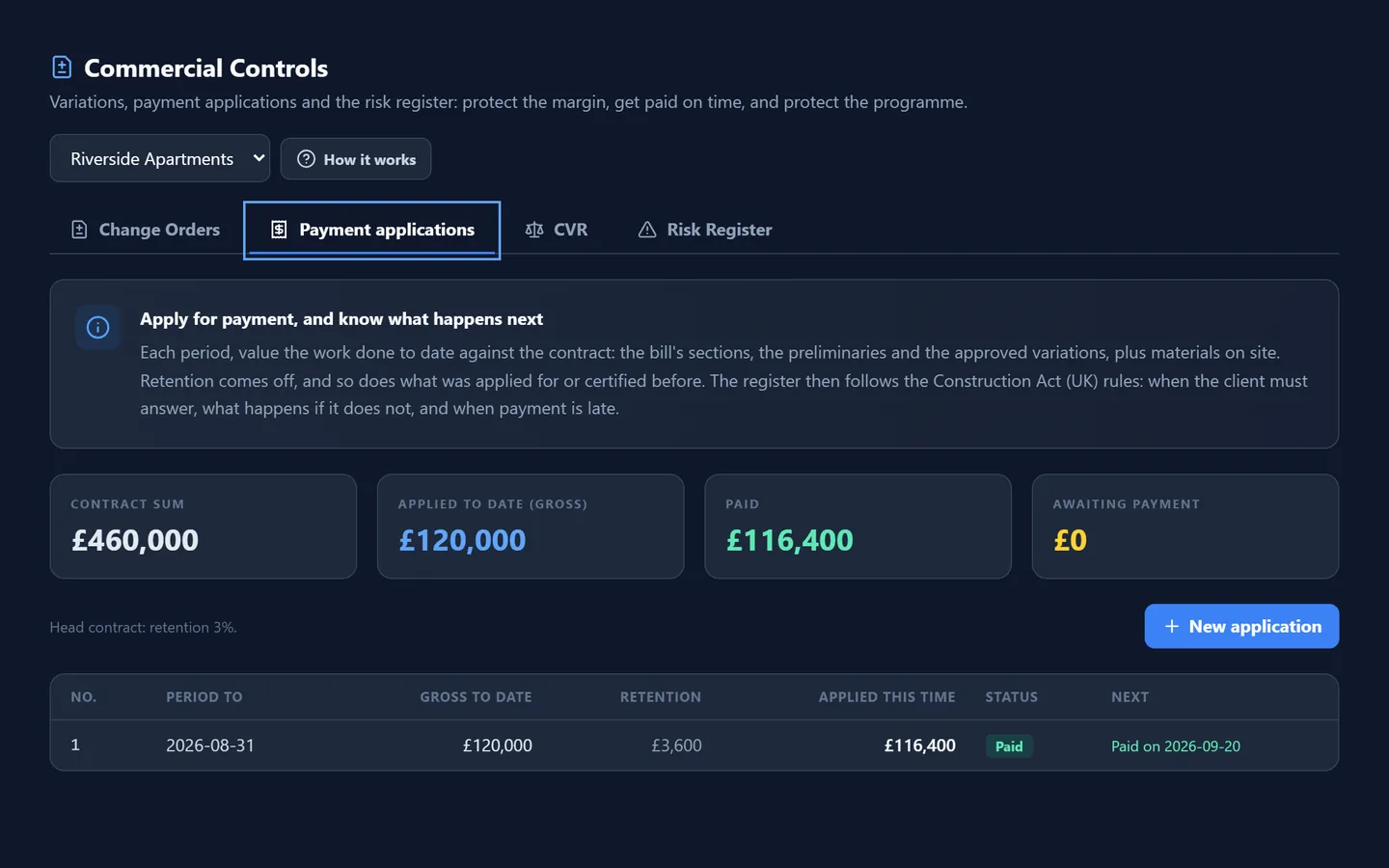
BuildValuations

An application each period, variations valued, and every payment and pay less notice date tracked.

BuildHandover

The punch list is cleared, and the manuals, certificates and as-built drawings are collected.

MaintainDefects period and servicing

The building carries the job’s history: defects, equipment servicing, statutory inspections and repairs.

An example job, to show the order of things. Your own jobs set their own dates.

Who uses it

Directors

  • The whole company on one screen: live jobs, their value, what is overdue, where the money stands
  • For each job, what has come in against what has gone out
  • The value of your estimates, and how many bid packages were awarded, from records you already keep
Pinnqle  /  Overview
The Overview: the whole company on one screen
A site manager on an upper floor looking across a construction site at sunriseIllustration
Who is behind it

Built with people who have spent their careers in construction.

Pinnqle is shaped by people who have priced tenders, run sites and managed contracts. Every screen is written the way the job is really done, with a lesson in plain words.

AI in Pinnqle

AI that does the reading and the first draft. People decide.

Ask how a job stands, which equipment is likely to fail, or what a clause means, and get the answer from what is in Pinnqle.

Reads what you are sent

Drawings, contracts, supplier invoices, certificates and photos of faults, read so the details are not typed in by hand.

Drafts what you send

A first price, an email, a letter of offer, a summary for the client: drafted from your own records, for you to check.

A person decides

The sums are worked out by the software, the same way every time. Every AI tool shows you its work before anything is used.

Built for the way you contract

Set up for the contracts you work under.

The Construction Act

Applications for payment each period, with the payment and pay less notice dates worked out from the contract.

VAT on every invoice

Prices, invoices and reports with VAT, ready for your accounts package.

Statutory compliance

Fire risk assessments, gas safety, electrical condition reports, legionella and lift inspections, each on its own clock.

Retention, worked out

Held on each valuation, with half released once practical completion is certified.

Questions

What contractors ask us first.

Who is Pinnqle for?

Commercial and fit-out contractors with about 10 to 100 people, and the maintenance and facilities teams who look after buildings once they are handed over. One company can run both.

What does it replace?

The spreadsheets, the separate estimating and programme files, the paper site diary and the email chains that hold a job together. Your accounts package stays: Pinnqle sends figures to Xero, and to Sage and QuickBooks by file.

Can we bring our jobs and records across?

Yes. We load your live jobs, clients and suppliers for you. Lists of staff and materials and your suppliers’ price lists can be imported from spreadsheets, and drawings come in as PDF, DWG or IFC.

Which rules does it follow?

Applications for payment with the payment and pay less notice dates under the Construction Act, VAT on every invoice, CIS deductions for subcontractors, and building compliance, each on its own clock.

How is our information looked after?

Each company’s records are kept apart and encrypted, on Google Cloud with the records held in London, and backed up daily and weekly. What you put in stays yours, and you can export it. More on the security page.

How does pricing work?

We price Pinnqle after a demo, by the plan that fits your company and how many live projects or buildings you run. Every plan has unlimited users, and setup and training are included.

Does it work on site?

Yes. It runs in the web browser on a computer, tablet or phone, with nothing to install. Site teams sign in at the gate, keep the diary and record inspections from their phones.

Can we try it first?

Yes: the pilot is two months free on your own live jobs, set up by us. Or book a demo and see it on work like yours.

Pilot programme

Run your live jobs on Pinnqle for two months, free.

Five places. You run real jobs on it; we do the setting up and listen to what you tell us. Carry on afterwards and your first 12 months are 25% off.

Apply for a pilot
  • Two months free, on your own live jobs
  • We load your jobs, clients and suppliers for you
  • A check-in every week with the people building it
  • Your people trained by video call